
Members and certificates
Every member, with their badge and their certificate.
Playmatic's records keep details, photo, badge, category, memberships and medical certificate together. The office opens one record and has it all in front of them.
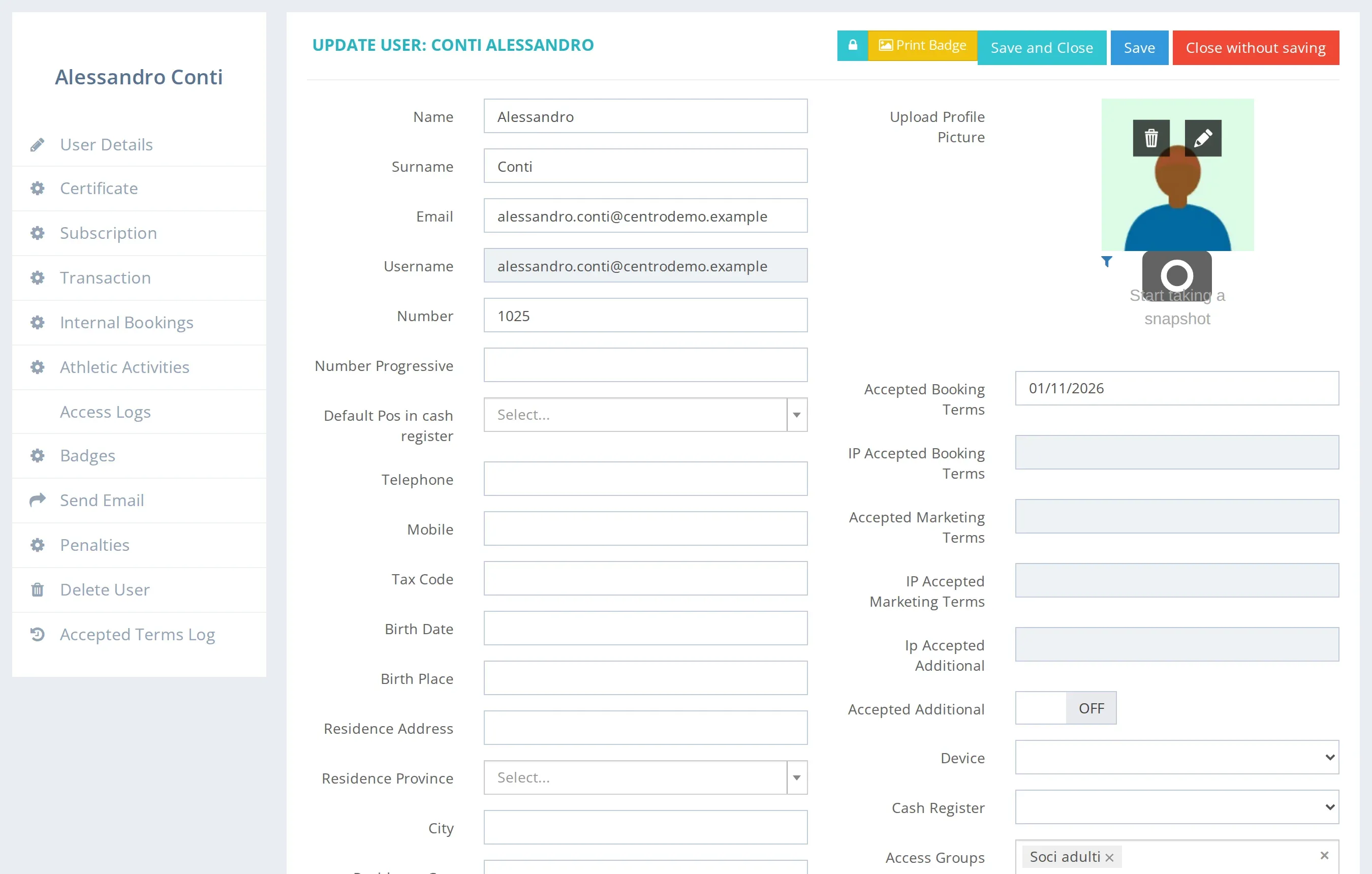
Members and guests, in the same records.
Members and paying guests each have their own record, with a photo and a badge. The badge can be an RFID card or a QR code: Playmatic reads its code, and the same badge opens the turnstiles.
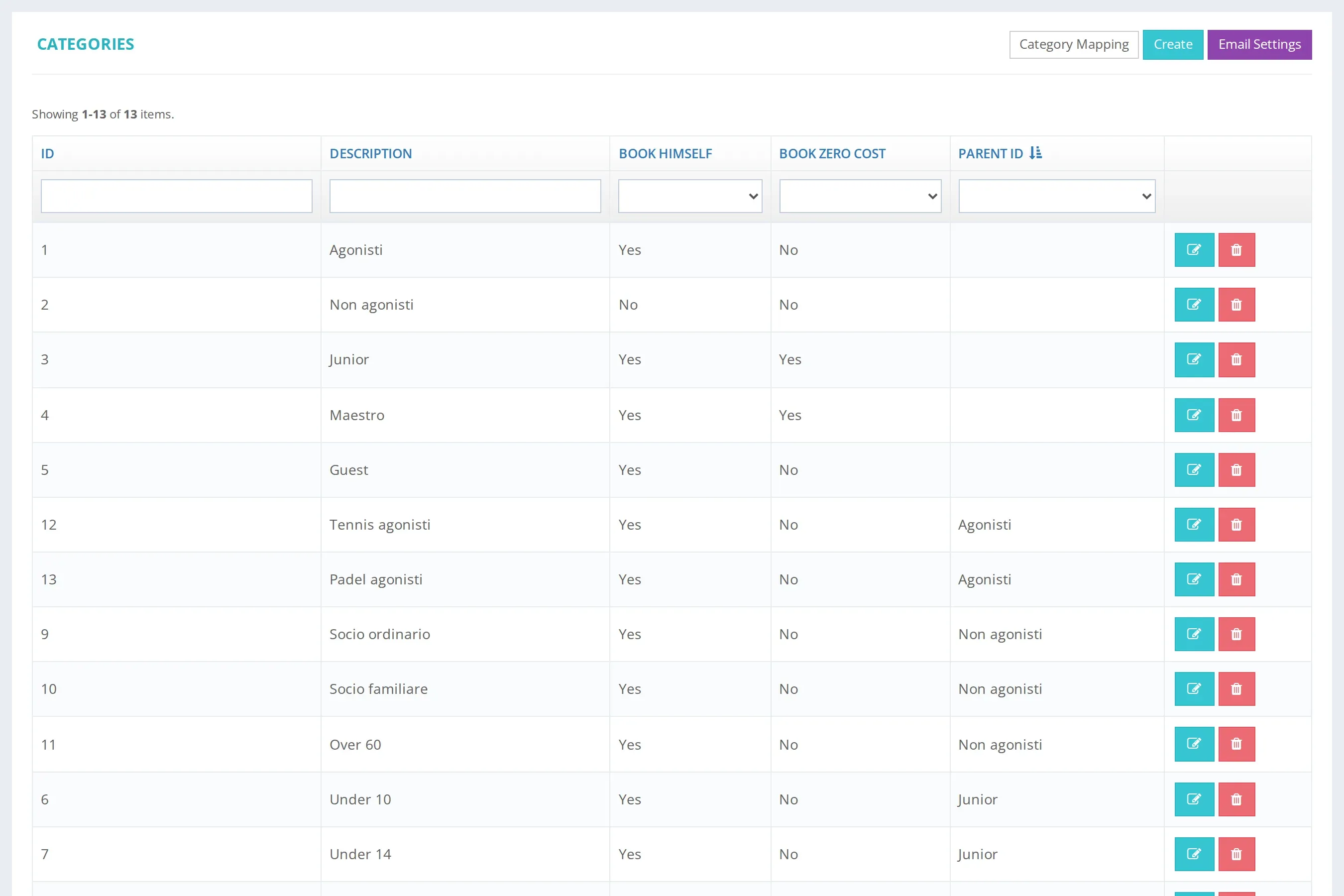
Junior, senior, competitive. You decide the categories.
Player categories are your own labels, with their sub-categories, and each price list can give each one a different price. If the centre turns it on, a parent also manages their children's accounts from their own profile.
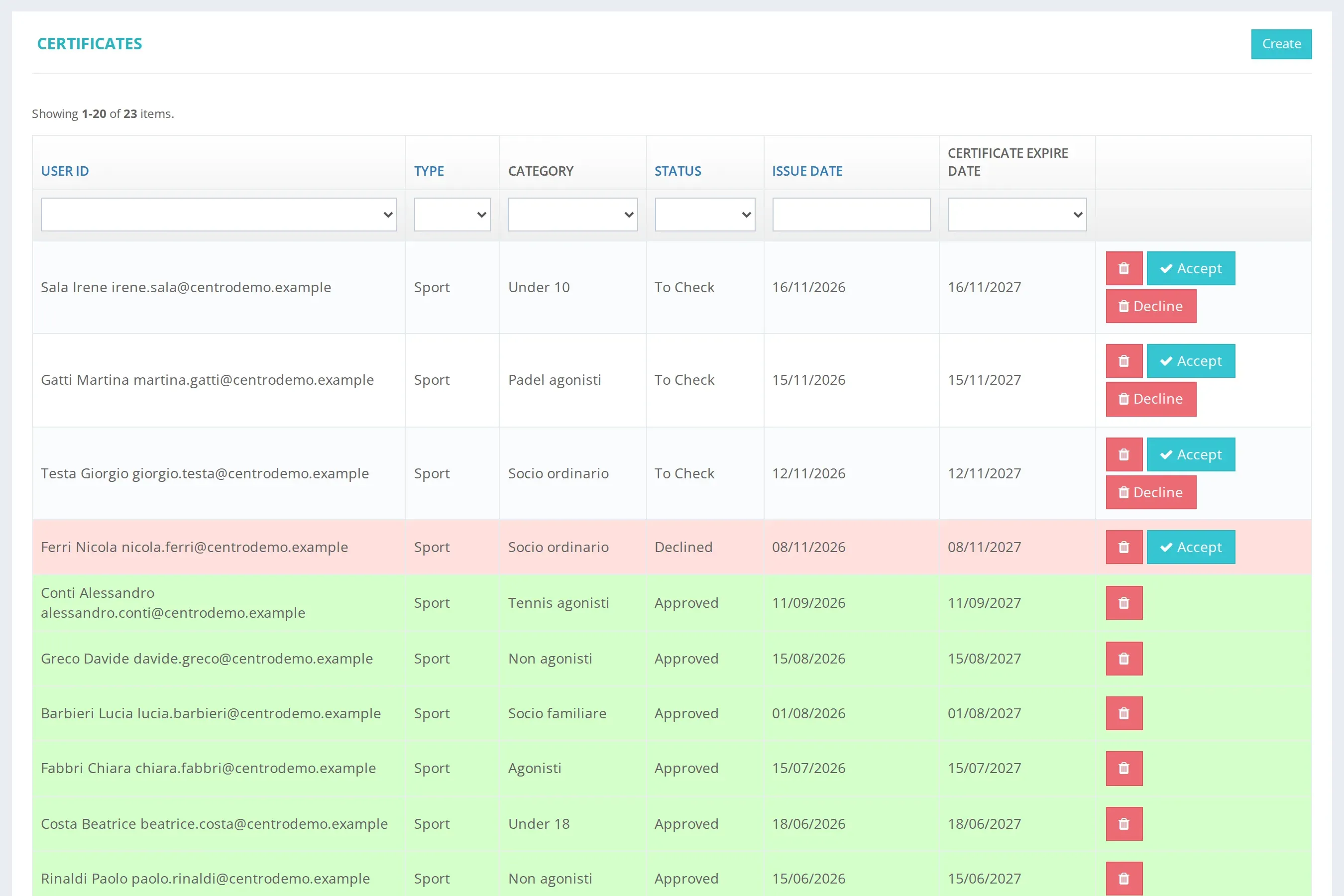
The certificate arrives online. The office approves it.
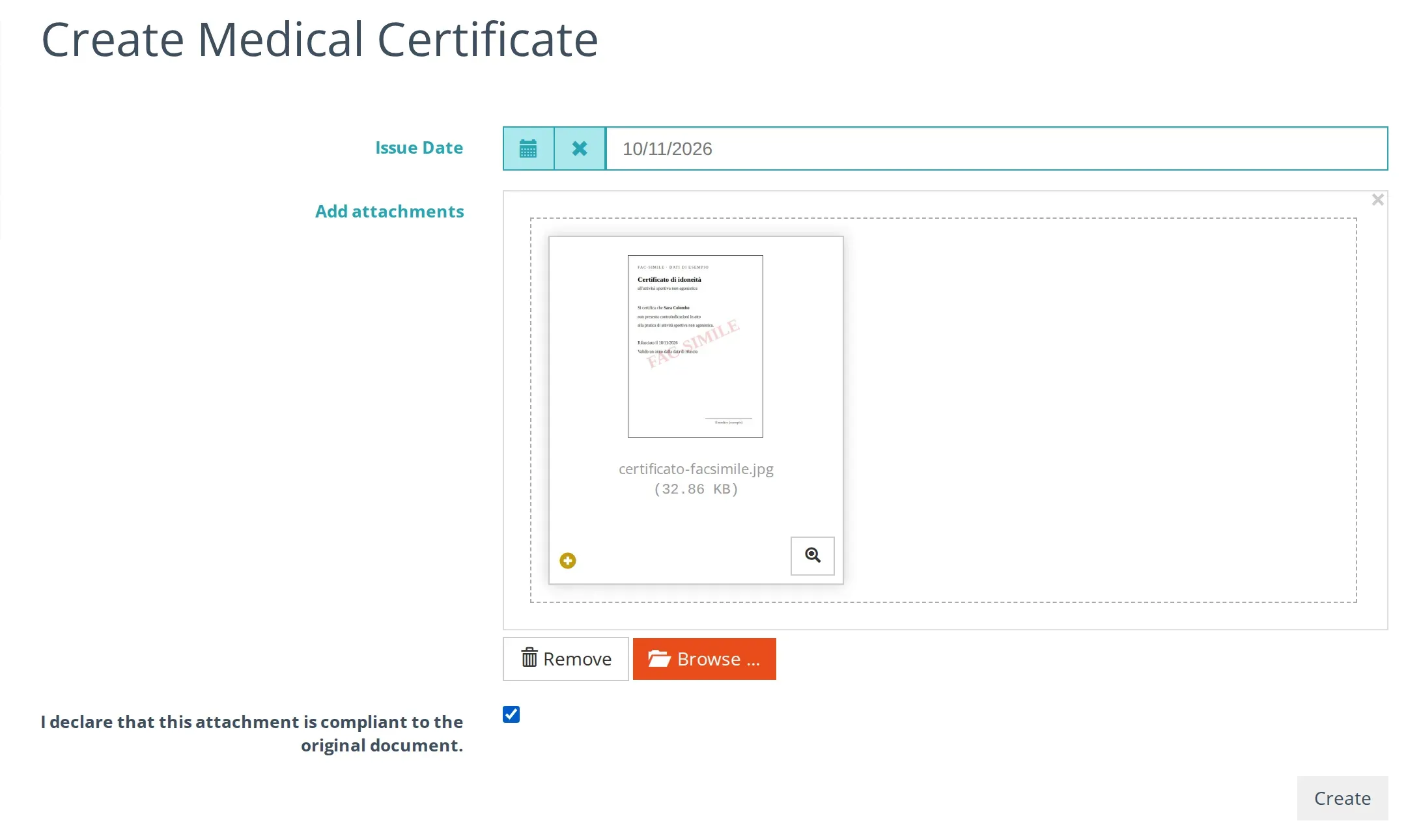
The player uploads their medical certificate from their profile. At the office you see it, accept or reject it, and the expiry stays on their record. No paper to scan at the desk.
A medical check-up, booked like a court.
If your centre has a doctor, the player books the check-up online, in the slots the doctor makes available.
On request.
On request
Expiry reminders
Before a certificate expires, the player gets an e-mail.
On request
University sign-in
Students and staff sign in with their university account (SAML / Shibboleth).
Let's see it on your centre.
Tell us about your courts, members and activities. We show you Playmatic with the modules you need. The demo is free; the quote comes after it.
Or write to [email protected]